
This manual introduces the features and usage of ATS4PC0125 TC-V2 Automatic Transfer Switch Control Unit.
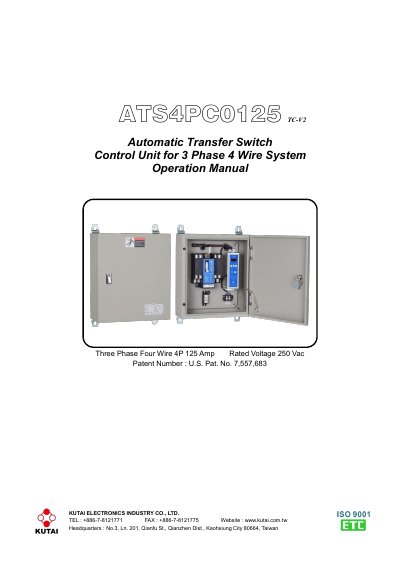
This manual provides instructions for installing, operating, and programming the Kutai ATS4PC0125 TC-V2 automatic transfer switch control unit. It covers hardware description, function settings like TDNE, TDEN, TDEC, and TDES, operation modes including AUTO, TEST, and PROGRAMMING, and installation guidelines. The unit monitors voltage and frequency, manages transfer delays, and includes a plant exerciser feature. It is designed for 3-phase 4-wire systems with 125A rating and 250VAC voltage.
The TC-V2 controller allows on-site programming without a PC, displays voltage and frequency, and features LED indicators for status and failure alarms. It supports both load and no-load testing and includes built-in timers for engine cooldown and automatic exerciser cycles. Safety precautions are included for qualified personnel only due to high voltage risks.
| Rated Voltage | 250 Vac |
|---|---|
| Rated Current | 125 Amp |
| Rated Frequency | 50/60 Hz |
| Poles | 4P |
| Switch Type | Double Throw ATS Class PC |
| Operation Life | Over 6000 Times |
| Operating Temperature | -20 to +60 ˚C |
| Storage Temperature | -20 to +80 ˚C |
| Operating Humidity | 0 to 95% |
| Weight | 10.7 kg +/- 2% |
Rated voltage is 250 Vac and rated current is 125 Amps.
It constantly monitors normal and emergency power, displaying voltage and frequency, and can be adjusted for accuracy.
TDNE provides a time delay when transferring from Normal to Emergency, adjustable from 0 to 99 seconds.
Manually move the ATS to the correct position, then press any button (Auto, Program or Test) on the front panel to reset the alarm.