
This user manual provides installation requirements, safety warnings, operational instructions, and specifications for the KIP 700m Multi-Function Printer.
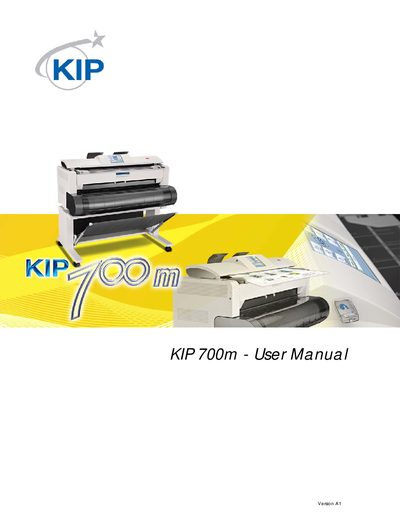
This document serves as the Hardware Operation Guide for the KIP 700m Multi-Function Printer. It covers essential pre-use information, including installation requirements, safety warnings, and prohibited copying items. The guide details the features and specifications of both the printer and scanner parts, along with appearance descriptions.
| Voltage (U.S.A.) | 120V plus/minus 10%, 50/60Hz |
|---|---|
| Voltage (Europe) | 220-240V plus 6% or minus 10%, 50/60Hz |
| Current (U.S.A.) | 15A or higher |
| Current (Europe) | 10A or higher |
| Site Temperature Range | 10 to 32 degrees Centigrade |
| Humidity Range | 15% to 85% RH (NON CONDENSING) |
It is not allowed to copy Currency, Government issued Negotiable Instruments, Foreign Currency, unused postal stamps, and Government issued revenue stamps.
You should be careful not to copy private issued securities, commutation tickets, book of tickets, government issued passports, licenses, and IDs.
No, it is prohibited to copy books, music, paintings, maps, drawings, movies, and pictures protected by copyright, except for personal or family use.