
This is a Jabra brand wireless bluetooth headset, model OTE18, which can be connected to a mobile phone or computer for use, supports voice control and automatic volume adjustment
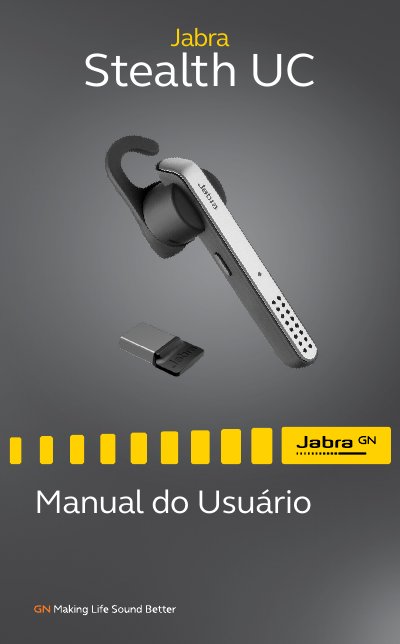
This document is the user manual for the Jabra Stealth UC wireless Bluetooth headset (Model OTE18). It provides instructions on how to use the headset, including changing ear gels, attaching ear hooks, and connecting to PCs or mobile devices via Bluetooth or NFC. The guide also details how to charge the battery using a PC or a car charger.
| Weight | below 7.9 g |
|---|---|
| Dimensions | 64.9 mm x 15.3 mm x 24.9 mm |
| Microphone Technology | Dual microphone technology |
| Speaker | 11 mm dynamic speaker |
| Operating Range (PC) | 30 m / 98 feet |
| Operating Range (Mobile) | 10 m / 33 feet |
| Bluetooth Version | 4.0 |
| Talk Time | Up to 6 hours |
| Standby Time | Up to 10 days |
| Operating Temperature | -10°C to 55°C |
The pairing password or PIN is 0000.
It takes approximately 2 hours to fully charge the headset using a PC.
The maximum operating range is 30 meters (98 feet) when connected to a PC.