
nüvi ® 285W Quick Start Manual
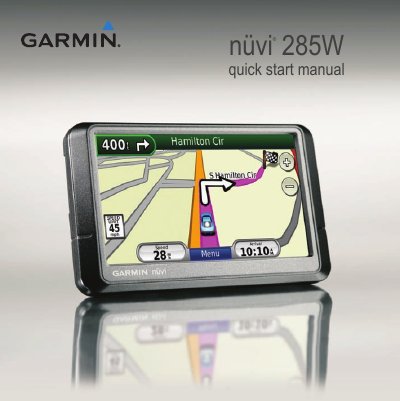
This quick start guide helps you mount and set up your Garmin nüvi 285W GPS device. It includes steps for connecting the power cable, mounting the unit, acquiring satellite signals, activating MSN Direct service, and using basic navigation features like route guidance and points of interest. The guide also covers how to charge the device, use photo navigation, and reset the unit if needed.
Plug the vehicle power cable into the back of your nüvi, snap the cradle onto the suction cup arm, clean and dry your windshield, place the suction cup, flip the lever, and fit the unit into the cradle.
Connect the power cable, touch Tools > MSN Direct, write down the product key, call (866) 658.7032 or go to http://garmin.msndirect.com/activate, and follow the directions.
Connect the vehicle power cable, an AC adapter (optional), or a USB cable.
Push the RESET button on the bottom of the unit, or slide the Power key to the on/off position and hold it for 8 seconds.