
This document is the quick start manual for the Garmin nüvi 2x5 series personal travel assistant
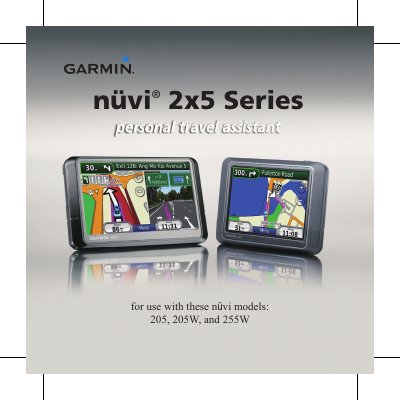
This quick start guide explains how to mount and configure your Garmin nüvi 2x5 series GPS device. It covers powering on the unit, mounting it on the windshield or dashboard, acquiring satellite signals, and using the device to find destinations. The guide also includes instructions for charging the device and navigating using various search methods, including addresses, phone numbers, and postal codes. Additional features like photo navigation and setting a home location are also described.
Select a suitable location, clean and dry the suction cup and windshield area, plug in the power cable, fit the ball into the cradle, place the suction cup on the windshield, and snap the unit into place.
Go outdoors to an open area, away from tall buildings and trees, turn the nuvi on, and wait for the EM bars to show at least one green bar indicating satellite acquisition.
On the Menu page, touch Where to? > Address, select a country/state if needed, touch Spell City and enter the city, enter the address number and street name, select the street, and touch Go!.
Connect the vehicle power cable to your nuvi and a power outlet in your vehicle, or connect an AC adapter to a wall outlet, or connect your nuvi to a computer using a USB cable.