
This manual provides detailed instructions for installing, connecting, and configuring the GMA 1347D.
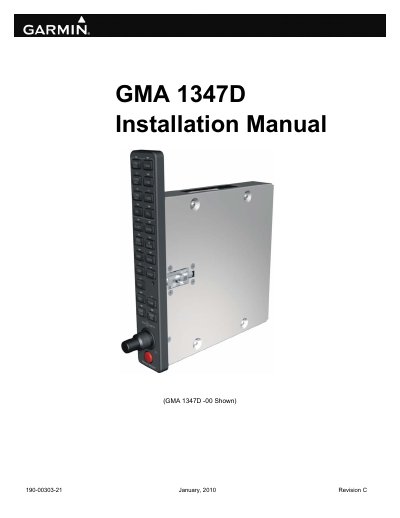
This manual provides mechanical and electrical installation requirements for the Garmin GMA 1347D audio panel, which is part of the Garmin Integrated Flight Deck. The system is designed for vertical panel mounting and offers reliability and versatility for various audio controlling functions in aircraft.
| Bezel Height | 7.70 inches (196 mm) |
|---|---|
| Bezel Width | 1.30 inches (33 mm) |
| Rack Height | 6.30 inches (160 mm) |
| Rack Width | 1.325 inches (34 mm) |
| Unit Weight | 1.7 lbs. (0.8 kg) |
This manual reflects the operation of software version 4.00.
Yes, a failsafe circuit connects the pilot's headset and microphone directly to ON-SIDE COM in case power is interrupted or the unit is turned off.
The standard unit includes a five-position intercom system, while a dual installation extends this to ten positions.