
This manual describes how to install the Garmin GDU 620 flight instrument
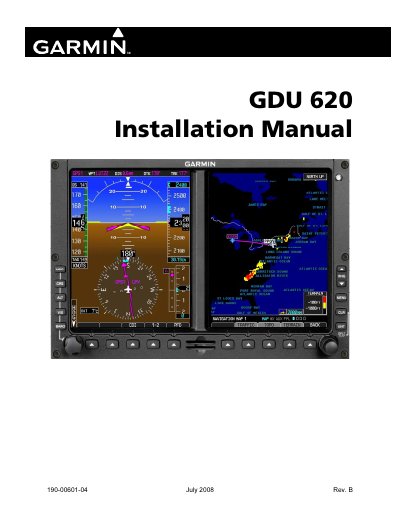
This document provides step-by-step instructions for installing the Garmin GDU 620 flight instrument. It covers unpacking, mounting, cabling, and system interconnects including ARINC 429, RS-232, and Ethernet interfaces. The manual also includes configuration procedures, software loading, and periodic maintenance guidelines.
The GDU 620 is designed for aviation use and complies with TSO-C52b standards. It features a display with anti-reflective coating and supports various navigation and autopilot functions. The manual includes technical specifications, installation considerations, and safety warnings for proper handling and operation.
| Environmental Qualification Form | TSO-C52b |
|---|---|
| Display Specifications | Anti-reflective coating |
| Power Consumption | Not specified in text |
It supports ARINC 429, RS-232, RS-422/RS-485, Ethernet, Autopilot, Lighting Bus, Discrete I/O, ADF, ARINC 453/708, Configuration Module, and Time Mark Input.
Software version 2.00, with notes that operation may differ in earlier or later versions.