
This manual introduces the basic operations of the nüvi ™ 300/350 personal travel assistant, such as installation and charging, connection and navigation, and use of voice functions
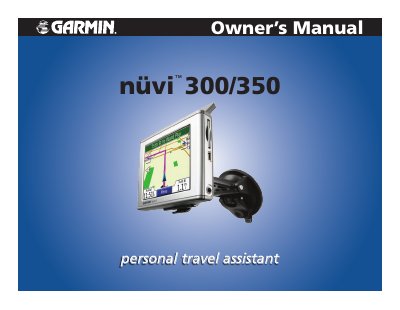
This manual provides step-by-step instructions for using the Garmin nuvi 300/350 GPS device, including how to find destinations, manage routes, adjust settings, and use features like traffic information and MP3 playback. It also covers device care, software updates, and troubleshooting.
The manual includes sections on customizing the device, managing files via SD card or USB, using the Travel Kit, and accessing online services through myGarmin. It is designed for users who want to fully utilize the navigation and multimedia capabilities of their device.
| Software Version | 4.10 |
|---|---|
| Part Number | 190-00627-00 |
Press and quickly release the Power button or touch on the Menu page to access the Quick Settings. Move the sliders to adjust the volume and brightness. Touch Mute to turn the volume off.
Press and release the Power button. To prevent accidental screen taps, touch Lock. To unlock the screen, press the Power button.
Connect the FM TMC Traffic Receiver to your nuvi as described in the manual section on FM TMC Traffic Information.