
Extech 480400 Phase Sequence Tester Instructions
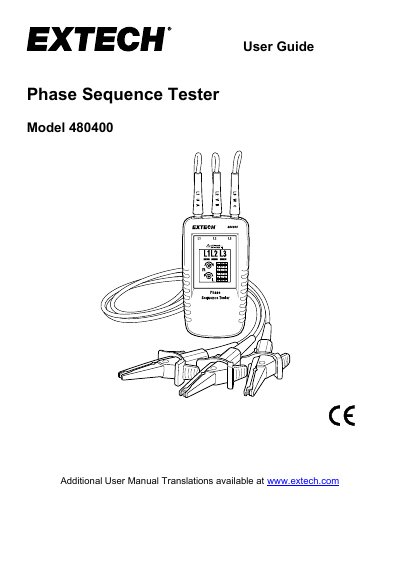
The Extech Model 480400 is a handheld instrument designed to detect the phase sequence of three-phase systems. It features color-coded test leads for connecting to the mains phases and an LCD display with L1, L2, and L3 icons to indicate the sequence. The device displays clockwise (R) or counter-clockwise (L) rotation directions using illuminated arrows and a sequence grid.
| Nominal Voltage | 40 to 600 VAC |
|---|---|
| Frequency Range | 15 to 400HZ |
| Current pickup | 1mA |
| Maximum Operating Voltage | 600 V |
| Operating Temperature | 32 to 104°F (0 to 40°C) |
| Type of protection | IP 40 |
| Dimensions | 5.1 x 2.7 x 1.3" (130 x 69 x 32mm) |
| Weight | 4.6 oz (130g) |
Connect the color-coded test leads to the meter's input jacks and then to the three mains phases. The LCD will display L or R icons with arrows to show the direction.
The rotational arrow indicators will still illuminate even if one of the test probes is connected to a neutral or ground conductor instead of a mains phase.