
This document is the manual of EON-DISPLAY-8, which introduces the usage methods and precautions of the product.
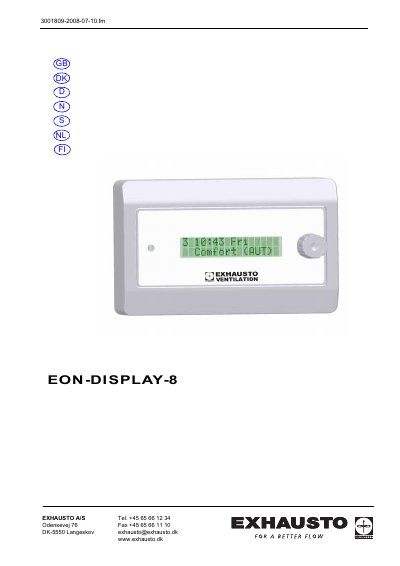
The Exhausto EON-DISPLAY-8 is a display panel designed to read values, change value settings, and read or reset alarms. It is intended for use in conjunction with VEX units. The manual notes that only one DISPLAY panel can be read at a time, meaning two panels cannot be connected and active simultaneously. The fitting plate must be mounted on a flat surface, and the panel can be removed by inserting a screwdriver into the side holes and twisting it away from the mounting plate.
Installation requires connecting the EON modules in series, similar to 'pearls on a string', starting from the connection box. The total length of the EON connection must not exceed 50 meters. For specific wiring details, such as connecting a shielded cable to the EON-BUS, users are referred to the VEX unit instructions.
No, you can only read one DISPLAY panel at a time; two panels cannot be connected and active simultaneously.
The total length of the EON connection must not exceed 50 meters.
All EON modules must be connected in series, like 'pearls on a string', from the connection box.