
This manual introduces the features and operation of the Extech HD450 Digital Light Meter. The light meter can measure the intensity of light and store data in its memory. Users can view the data on the light meter's LCD screen or download it to a computer using the PC interface.
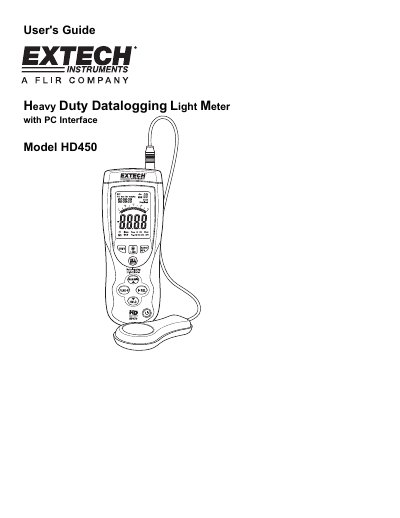
This user's guide explains how to operate the Extech HD450 digital light meter, including powering it on, selecting measurement units and ranges, taking readings, and using features like data hold, peak hold, and relative mode. It also covers setting up the clock and sample rate, storing up to 99 readings manually or 16,000 readings automatically, and connecting the meter to a PC via USB for data transfer and analysis using included software.
The meter measures illuminance in Lux and Foot candles, features a 4000-count LCD with bargraph, and includes automatic power-off and backlight functions. Specifications include accuracy, spectral response, and operating conditions. The guide provides step-by-step instructions for all functions and troubleshooting tips for common issues like low battery or out-of-range measurements.
| Range | 400.0 to 40.00k Lux / 400.0 to 40.00k Foot candles |
|---|---|
| Display | 4000 count LCD display with 40 segment bargraph |
| Spectral Response | CIE photopic (CIE human eye response curve) |
| Operating Temperature | 32 to 104°F (0 to 40°C) |
| Battery Life | 100hrs (backlight off) |
The HD450 can store up to 16,000 readings in its internal memory for download to a PC.
Use the USB cable included with the meter to connect it to a PC’s USB port. The meter comes with Windows-compatible software for data transfer and analysis.