
Alpha COND 550 Industrial Conductivity Monitor User Manual
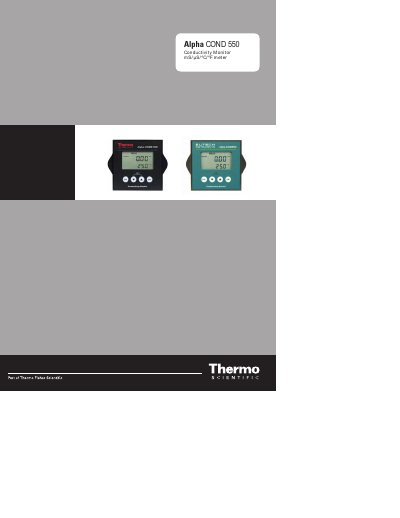
This manual guides users through operating the Alpha COND 550 industrial conductivity monitor, including setup, calibration, and technical specifications. It covers connecting peripherals like conductivity and temperature probes, switching between Pt100 and Pt1000 sensors, and configuring measurement ranges. The device supports automatic temperature compensation and displays conductivity in mS/µS with temperature in °C/°F. Technical specs include measurement ranges, accuracy, and environmental operating conditions.
| Temperature Measuring Range | -10.0 to +125.0 °C / +14.0 to +257.0 °F |
|---|---|
| Display | LCD 7 segments display with symbols for status information |
| Power Input | Universal +9 V DC Adaptor and 24V DC Supply |
| Dimensions | 96mm x 96mm x 66 mm |
| Weight | 210g |
| Operating Temperature | 0 to 40 °C |
| Relative Humidity | 80% up to 31 oC decreasing linearly to 50% at 40oC |
The temperature measuring range is -10.0 to +125.0 °C or +14.0 to +257.0 °F.
Switch the jumper J7 to select Pt100 or Pt1000. For Pt100, set J7 to Pt100; for Pt1000, set J7 to Pt1000.
The display is an LCD with 7 segments and symbols for status information.