
This is a user manual for EZN Plus Series IR Bullet Camera
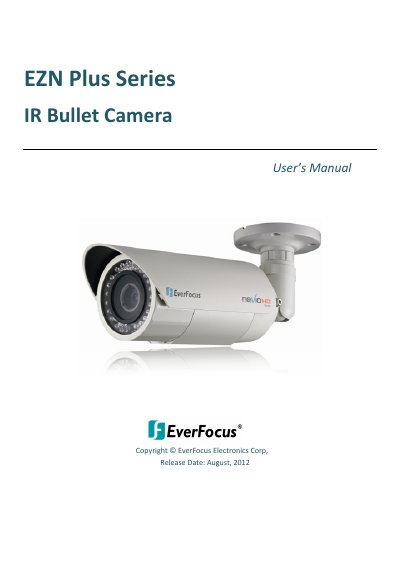
This manual covers installation, network setup, playback, and configuration for the EZN Plus Series IR bullet cameras. It includes detailed sections on mounting, wiring, SD card use, live view, motion detection, and firmware upgrades. The cameras support 1.3MP to 3MP resolution, WDR for backlit scenes, and operate on DC 12V or PoE. Models include EZN3160 Plus, EZN3260 Plus, and EZN3340 Plus with varying sensor types and resolutions. The manual also details network protocols, audio, and mechanical specifications.
| Image Sensor | 1/3" Panasonic CMOS (EZN3160 Plus / EZN3260 Plus) / 1/2.8" Sony CMOS (EZN3340 Plus) |
|---|---|
| Video Compression | H.264 and MJPEG |
| IR Distance | 40 m / 131 ft |
| Operating Temperature (DC 12V) | -40°C ~ 55°C / -40°F ~ 131°F |
| Power Source | DC 12V / PoE (IEEE802.3af) |
| Dimensions | 359.9 x 95.5 x 95.5 mm / 14.17 x 3.76 x 3.76 in |
The camera supports DC 12V and Power over Ethernet (PoE) via IEEE802.3af.
The EZN3340 Plus supports up to 2048 x 1536 resolution at 15 fps.
The camera operates between -40°C to 55°C (DC 12V) or -20°C to 55°C (PoE).