
This is a user manual for a smart thermostat
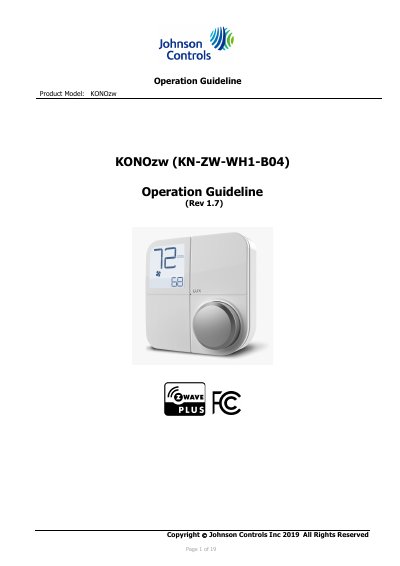
This manual provides step-by-step instructions for installing and configuring the Johnson Controls KONOzw smart thermostat. It covers connecting power or batteries, pairing with a Z-Wave hub, adjusting settings, and troubleshooting common issues. The device supports Z-Wave Plus and includes features like keypad lock and energy-saving modes. Reset procedures for factory and hardware resets are also detailed.
| Operating Voltage | 24VAC |
|---|---|
| Battery Type | 4 AA premium brand Alkaline |
| Operating Temperature | +14F to 122F (+10C to 50C) |
| Operating Humidity | 20% to 80% (non-condensing) |
| Certifications | Z-Wave Plus |
The device will display ER:02 on the HOME screen. Press and hold the knob for over 5 seconds to return to the inclusion/exclusion menu and retry.
Enter installer setting menu, select option #99, then press the knob to confirm. All settings will be restored to factory defaults, and the Z-Wave network will be erased.
Yes, but only if the Z-Wave inclusion was done while powered by battery. If previously included on 24VAC, using battery-only power will shorten battery life.