
This guide provides installation steps, wiring, network setup, and configuration details for Johnson Controls Illustra ProGen4 PTZ dome cameras (2MP and 8MP).
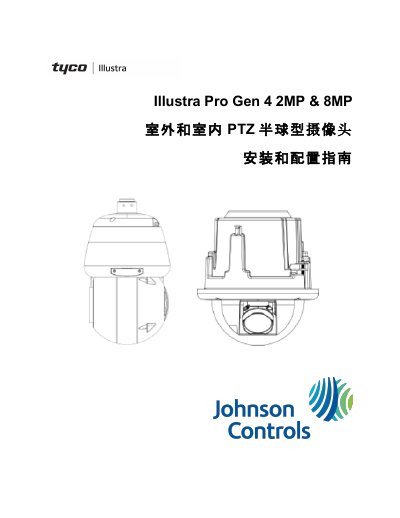
The Illustra ProGen4 series includes 2 MP and 8 MP PTZ dome cameras for indoor and outdoor use, offering optical zoom, low‑light performance, and full 360° pan.
The document walks through unpacking, mechanical installation, power options, network configuration, PTZ programming, video settings, event handling, and maintenance procedures, with reference tables for specifications and default settings.
| Optical Zoom (2 MP outdoor) | 42X |
|---|---|
| Resolution | 2 MP (1080p) / 8 MP (4K) |
| Minimum Illumination | <0.1 Lux (color) / 0.01 Lux (1/30 s) |
| IR Distance | ≥150 m |
| Power Options | PoE 802.3bt 90 W or AC 24 V |
| Preset Positions | 256 |
The default IP address is 192.168.1.168 and DHCP is enabled.
The camera supports 256 preset positions.
It can be powered by PoE 802.3bt delivering up to 90 W or by a 24 V AC supply.
The 2 MP outdoor model provides 42× optical zoom.