
This document is an instruction manual that introduces the product's usage methods and precautions, including the names and functions of various components, as well as how to install, use, store, etc.
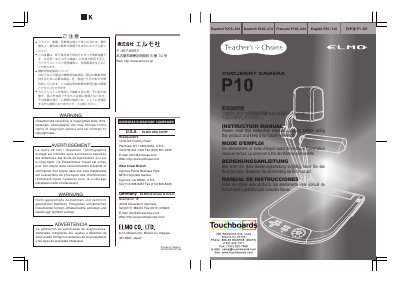
This instruction manual provides guidance for safely operating the ELMO DocuScan D212 document camera. It includes important safety precautions, setup instructions, operational procedures, and troubleshooting tips. The manual is multilingual, with sections in English, French, German, and Japanese. Safety warnings cover electrical hazards, water exposure, ventilation, and proper handling. The document also includes information on servicing, replacement parts, and grounding requirements.
The product should be situated away from heat sources such as radiators, heat registers, stoves, or other products that produce heat.
You should use a damp cloth for cleaning and avoid liquid or aerosol cleaners.
Using the product in a residential area may cause radio interference for radio and television receivers.