
This is the user manual for the Elecom Bluetooth パンタグラフキーボード TK-FBP052 series. It contains instructions on how to operate the wireless Japanese keyboard and safety precautions.
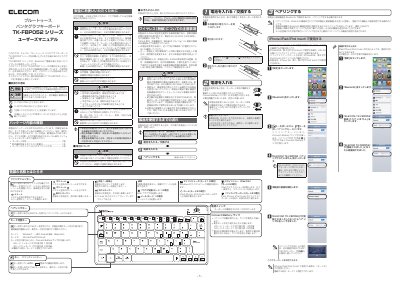
This manual guides users through setting up and safely operating the Elecom TK-FBP052 Bluetooth pantograph keyboard. It includes instructions for battery installation, pairing with devices, and using function keys. Safety warnings cover handling, water exposure, and usage in sensitive environments like hospitals or aircraft. The keyboard supports two modes for compatibility with Windows, Mac, Android, and iOS devices. This manual is written in Japanese.
| Bluetooth Technology | Bluetooth® wireless technology |
|---|---|
| Operating Frequency | 2.4GHz band |
| Interference Distance | 10m |
| Battery Type | Single 3-cell alkaline, manganese, or NiMH rechargeable |
| Supported Modes | Mode 1 (Windows, Android, Mac) and Mode 2 (iOS) |
Pair by turning on the keyboard, entering pairing mode by holding ESC, then selecting the device from the Bluetooth menu.
The Connect/Battery lamp will flash red to indicate low battery.
No, using it on an airplane is prohibited by aviation law due to potential interference with aircraft systems.
Stop using it immediately, disconnect from the device, and contact Elecom support.