
This manual introduces how to use UCAM-DLN130T series USB webcams, including installing the driver, using software to take videos and edit them, and uploading videos to Youtube
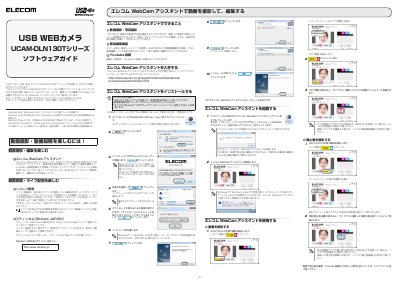
This manual guides users through installing and using the Elecom WebCam Assistant software with the UCAM-DLN130T webcam. It covers capturing video and still images, simple editing features like trimming and adding titles, and uploading to YouTube. The guide also explains how to use live streaming services like Nico Nico Live and Stickam. This manual is written in Japanese.
Download the installer from the Elecom website, run it as an administrator, and follow the on-screen steps.
Yes, the software includes simple editing features like trimming, adding titles, and inserting BGM.