
This is a user manual for LBT-HPC31WP Bluetooth headset, which introduces the functions and usage of the headset
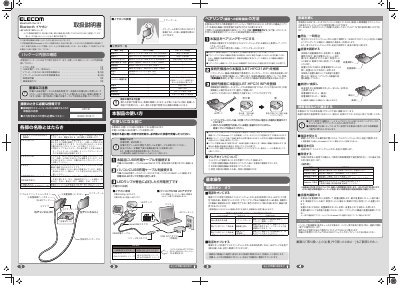
This is the user manual for the ELECOM LBT-HPC31WP Bluetooth headset. It explains how to charge the device using the included USB cable, adjust volume, and pair it with smartphones or other Bluetooth devices. The manual also details button functions, LED indicators, and troubleshooting for connection issues.
The headset includes interchangeable ear tips and arms for a comfortable fit, and features a microphone for hands-free calls. It supports A2DP and HSP profiles for audio and call functionality, and can be paired with up to 8 devices. The manual includes step-by-step instructions for pairing and connecting the device. This manual is written in Japanese.
Bluetooth Ver.4.1
約2時間
青色