
EIZO ScreenSlicer User Guide, introduces software installation and usage methods
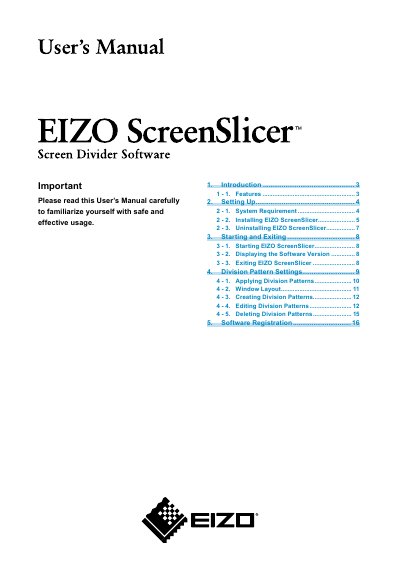
EIZO ScreenSlicer is software that divides a screen and lays out multiple windows. The manual covers features, system requirements, installation and uninstallation, starting and exiting, and displaying the software version.
It also explains division pattern settings, including applying, creating, editing, and deleting patterns; window layout; and software registration. URL registration is described for Internet Explorer.
| Supported OS (Windows 8) | Microsoft Windows 8 (32 bit and 64 bit) |
|---|---|
| Supported OS (Windows 7) | Microsoft Windows 7 Service Pack 1 (32 bit and 64 bit) |
| Supported OS (Windows Vista) | Microsoft Windows Vista Service Pack 2 (32 bit and 64 bit) |
| Supported OS (Windows XP) | Microsoft Windows XP Service Pack 3 (32 bit) and Microsoft Windows XP Service Pack 2 (64 bit) |
| Supported monitor series | FlexScan series monitors, ColorEdge series monitors, RadiForce series monitors, and FORIS series monitors (with listed exceptions) |
| Supported monitor series (ColorEdge) | ColorEdge series monitors |
| Supported monitor series (RadiForce) | RadiForce series monitors |
EIZO ScreenSlicer is software that divides a screen and lays out multiple windows.
Yes. EIZO ScreenSlicer operates under Windows 8 (32 bit and 64 bit).
Open Control Panel, select Programs, click Uninstall a Program, select EIZO ScreenSlicer from the list, and click Uninstall.
Yes. URL can only be registered when using the Internet Explorer.