
This document is the user manual for the Digi-Sense Professional Dual-Laser Infrared Thermometer (Model 20250-07). The manual provides detailed information on the thermometer's features and functions, as well as instructions on how to use the thermometer.
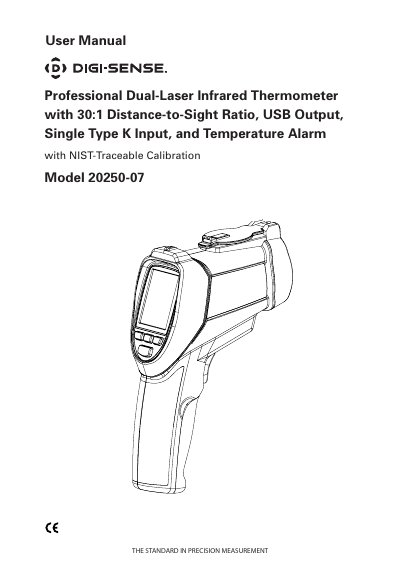
This user manual covers the operation and features of the Digi-Sense 20250-07 infrared thermometer, including setup, measurement techniques, and data transmission via USB. It details key functions like adjustable emissivity, temperature alarms, and contact measurements using a type K thermocouple. The manual also includes safety guidelines and maintenance instructions for optimal performance and longevity.
| IR Temperature Range | –58 to 3002°F (–50 to 1650°C) |
|---|---|
| T/C Temperature Range | –58 to 2498°F (–50 to 1370°C) |
| Resolution | 0.1°F/C below 1000°, 1°F/C above 1000° |
| IR Accuracy | From –58 to 68°F (–50 to 20°C): ±5.4°F (3°C); From 68 to 752°F (20 to 400°C): ±1.0% ± 1.8°F (1°C); From 752 to 1472°F (400 to 800°C): ±1.5% ± 3.6°F (2.0°C); From 1472 to 3002°F (800 to 1650°C): ±2.5% |
| T/C Accuracy | From –58 to 1832°F (–50 to 1000°C): ±1.5% of reading ± 5°F (±3°C); From 1832 to 2498°F (1000 to 1370°C): ±1.5% of reading ± 3.6°F (±2°C) |
| IR Response Time | 150 ms |
| Emissivity | Adjustable from 0.10 to 1.0 |
| Distance-to-Sight Ratio | 30:1 |
| Laser Class | Dual Class 2 (II) lasers |
| Spectral Range | 8 to 14 µm |
| Operating Temperature | 32 to 122°F (0 to 50°C) |
| Storage Temperature | 14 to 140°F (–10 to 60°C) |
| Weight | 17.4 oz (494 g) |
| Dimensions | 7 1⁄2" x 6" x 21⁄4" (18.9 x 15.2 x 5.7 cm) |
The distance-to-sight ratio is 30:1, meaning if the meter is 30 inches from the target, the diameter of the object under test must be at least 1 inch.
When the Emissivity icon is flashing, use the Up and Down buttons to adjust the value from 0.10 to 1. Then press the MODE button again to enter setting.
No, the unit cannot measure through transparent surfaces such as glass. It will measure the surface temperature of the glass instead.
The USB function transmits IR and T/C measurement data to a PC via USB interface. Press and hold the Backlight/Laser button until the USB icon appears to activate it.