
This product is a thermohygrometer that can display temperature, humidity, and time. It features °C/°F unit selection, Max/Min temperature and humidity readings, environmental comfort indicators, and clock with alarm and date.
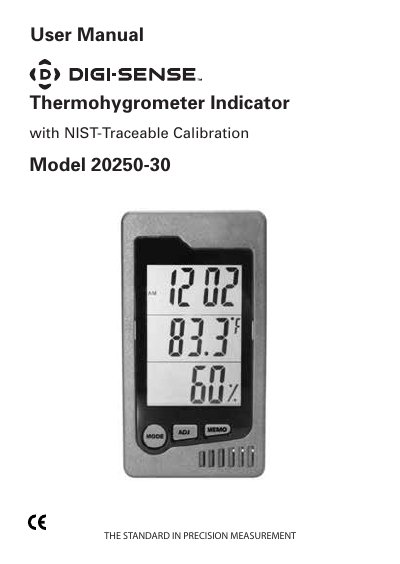
This user manual covers setup, operation, and maintenance of the Digi-Sense Model 20250-30 digital thermohygrometer. It includes instructions for setting time, date, and alarm, switching between °C and °F, viewing max/min readings, and using comfort indicators. The device measures temperature and humidity with NIST-traceable accuracy and features an auto power-off function to conserve battery life.
Maintenance instructions cover cleaning, storage, battery replacement, and annual recalibration recommendations to ensure continued accuracy and performance.
| Display | LCD |
|---|---|
| Auto power-off | Unit shuts off automatically after six minutes |
| Weight | 3 oz (85 g) |
| Dimensions | 41⁄4" x 21⁄4"x 5⁄16" (10.8 x 5.7 x 0.8 cm) |
| Power | One AAA battery |
| Humidity Range | 10 to 90% RH |
| Temperature Range | 32 to 120°F (0 to 50°C) |
| Humidity Resolution | 1% |
| Humidity Accuracy | ±5% (40% RH ~ 80% RH), ±8% remaining range |
Press the °C/°F button on the back of the unit.
It indicates temperature at 68 to 78.8°F (20 to 26°C) and relative humidity between 50% and 70% RH.
Press and hold the RESET button on the back of the unit.
It is recommended to calibrate annually, though regulatory bodies may require more frequent calibrations.