
Data logging sound level meter
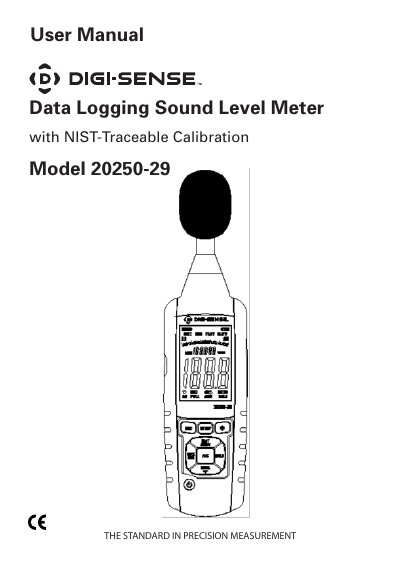
This user manual covers operation, setup, and maintenance of the Digi-Sense 20250-29 data logging sound level meter. It includes instructions for calibration, data logging via USB, time/date setup, and display controls. The meter measures sound levels from 30 to 130 dB with ±1.4 dB accuracy and supports A and C weighting. It features a backlit LCD, memory, and auto power-off to conserve battery life.
| Measurement Range | 30 to 130 dB |
|---|---|
| Accuracy | ±1.4 dB |
| Weighting | A and C |
| Time Weighting | Fast = 125 m/sec, Slow = 1 sec |
| Memory | 32,700 readings |
| Display | 4-digit backlit LCD with bar graph |
| Connectivity | USB, AC/DC outputs |
| Microphone | 1⁄2" electret condenser microphone |
| Operating Conditions | 32 to 104°F (0 to 40°C); 10 to 90% RH |
| Storage Conditions | 14 to 140°F (–10 to 60°C); 10 to 75% RH |
| Approvals | IEC61672-1 Class 2 |
| Power | Three AAA batteries |
| Weight | 9.8 oz (280 g) |
The meter has a precision accuracy of ±1.4 dB.
Turn on the meter, connect the USB cable to the meter and computer, choose COM3, press SETUP, and the USB data transmission will be enabled.
The meter operates between 32 to 104°F (0 to 40°C) and 10 to 90% RH.