
The manual introduces the Digi-Sense Professional Single-Input Thermometers (20250-91, -93, -95) products features and uses. It includes product introduction, packing list, key features, meter description etc.
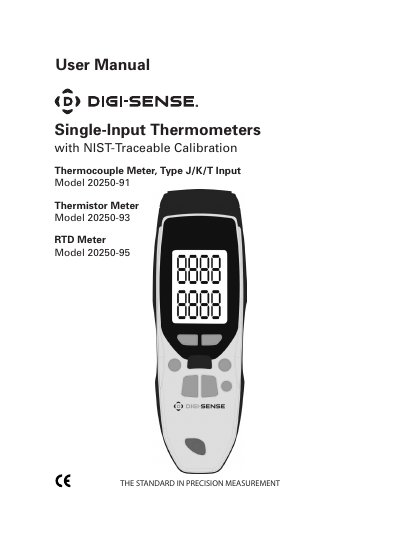
This user manual covers the operation and setup of Digi-Sense Professional Single-Input Thermometers (models 20250-91, -93, -95). It includes instructions for measuring temperatures, using the backlight and unit selection, and managing Max/Min readings. The device supports thermocouple, thermistor, and RTD inputs with automatic backlight and power-saving features. Calibration and battery replacement are also detailed.
The manual includes safety and storage guidelines, and recommends annual recalibration through InnoCal, an ISO 17025 accredited lab. Accessories such as a carrying case and lanyard are included with the unit.
It supports thermocouple (Type J/K/T), thermistor, and RTD inputs.
Press the °C/°F button to toggle between temperature scales.
The display shows "..--" if no probe is plugged in or if the connection is faulty.
The meter automatically shuts off after 15 minutes of non-use.