
This document is the user manual of Digi-Sense Data Logging Anemometer (model 20250-22).
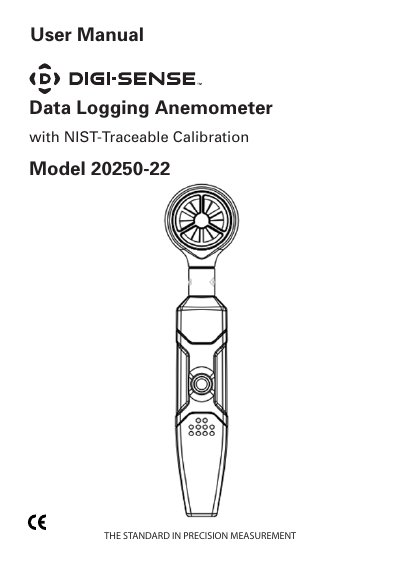
This user manual covers the setup, operation, and features of the Digi-Sense 20250-22 data logging anemometer. It includes instructions for installing the included software, interpreting LED status indicators, and configuring logging parameters. The device measures air velocity from 1.1 to 20.0 m/s and stores up to 32,000 readings. It is calibrated to NIST-traceable standards and features user-defined alarm thresholds and sampling intervals.
| Air velocity Range | 1.1 to 20.00 m/s |
|---|---|
| Resolution | 0.01 m/s |
| Accuracy | ±(3% + 0.20 m/s) |
| Memory | 32,000 readings |
| Operating temperature | 32 to 122°F (0 to 50°C) |
| Operating humidity | <80% RH |
| Weight | 1.8 oz (49 g) |
| Dimensions | 5 3⁄4" x 13⁄8" x 11⁄8" (14.5 x 3.5 x 3 cm) |
The anemometer measures air velocity from 1.1 to 20.00 m/s.
The device can store up to 32,000 readings.
The included Windows-compatible software allows data analysis, graphing, and print-out via USB.
In manual mode, press the yellow button until 3 green flashes and 1 red flash to start logging.