
The Digi‑Sense 92000‑01 benchtop data logging thermocouple thermometer user manual provides setup, operation, and maintenance instructions.
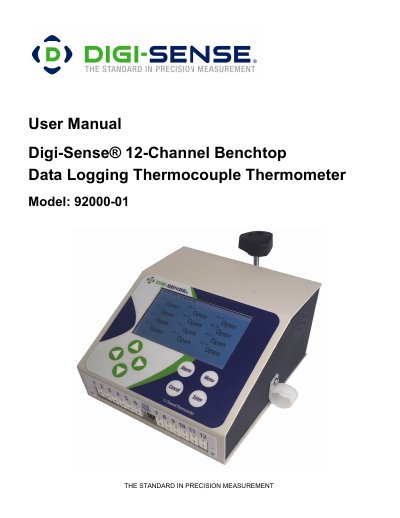
The Digi‑Sense 92000‑01 is a 12‑channel benchtop data‑logging thermocouple thermometer with a full‑color LCD display. It supports J, K, T, S, R, and E thermocouple types, offers per‑channel alarm settings, and can export logged data to a USB stick in CSV format.
This user manual walks you through unpacking, initial installation, menu navigation, global and channel configuration, alarm setup, software installation, safety precautions, technical specifications, and routine maintenance tasks.
| Power input | 90~264VAC, 1A |
|---|---|
| Operating environment | 32 to 77 °F (0 to 25 °C); 90 % RH, non‑condensing |
| Maximum altitude | 2187 yd (2000 m) |
| Fuse rating | 12 VDC, 2 A (fast‑acting) |
| Dimensions (W × H × D) | 6" × 6.5" × 4" (15.24 × 16.51 × 10.16 cm) |
| Thermocouple accuracy (J, K, T, E) | ±0.1 % of span or ±1 °C |
Open Global Settings → Date Settings, select the desired format (mm/dd/yyyy or Mmm dd, yyyy), then enter the month, day, and year values.
Insert a USB thumb drive into the USB port and use the “Copy to USB” function to save the logged data as a CSV file.
The device includes an alarm output that can drive a 24 V, 1 A load for external alarm signaling.
Connect the supplied AC‑to‑DC power pack (12 VDC, 1 A) to the 12 Volt DC power input on the back panel.