
This manual describes how to install and use the IQ3 Cobra Jet Dash. The IQ3 Cobra Jet Dash is a data logger that can record vehicle data such as speed, RPM, throttle position, and engine temperature.
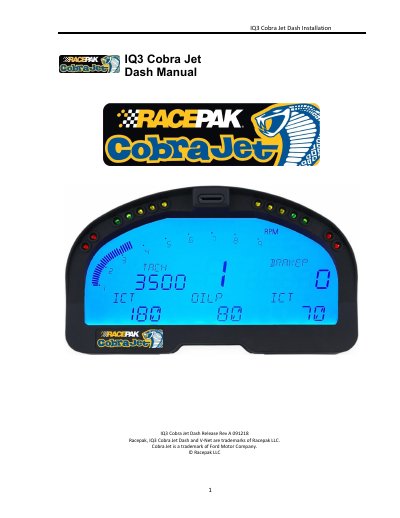
This manual provides step-by-step instructions for installing and configuring the Racepak IQ3 Cobra Jet Dash, including hardware setup, software installation, and programming the display. It covers features like shift lights, warning indicators, and external sensor connections via V-Net. The guide also explains data recording, troubleshooting, and compatibility with Windows PCs.
The manual includes sections on configuring the display using DataLink software, setting up telemetry, managing microSD memory cards, and resolving common issues such as communication failures or sensor channel lockups.
| MicroSD Card Support | Standard microSD or microSDHC up to 16GB |
|---|---|
| V-Net Technology | Racepak exclusive for multiple sensor data transmission over single cable |
| Data Logging Trigger | Hold pushbutton for 5 seconds to start logging |
| Data File Interval | Every 3 seconds |
It is the main component of the system, as it contains the data logger and microSD memory card.
The IQ3 Dash supports standard microSD or microSDHC cards up to 16GB.
From the factory, the IQ3 Cobra Jet Dash is programmed to start logging if either pushbutton is held for at least 5 seconds.
The DataLink software requires a Windows based PC with a USB 2.0 port for communication.