
This manual provides installation instructions for the V300SD and V500SD data loggers.
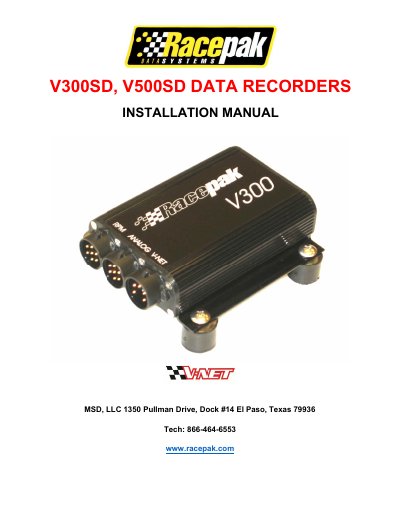
This manual provides step-by-step instructions for installing and configuring the RacePak V Series Data Logger systems (V300SD and V500SD). It covers getting acquainted with the hardware components, including digital and analog inputs, as well as the V_Net modular sensor system. The guide details how to install the main data logger, connect power and wiring harnesses, and mount hardwired or modular sensors.
| V300 Channels (Digital) | 4 |
|---|---|
| V300 Channels (Analog) | 4 |
| V300 Memory | 1 megabyte |
| V500 Channels (Digital) | 8 |
| V500 Channels (Analog) | 8 |
| V500 Memory Standard | 2 megabytes |
| Max V_Net Devices | 32 |
The V300 monitors 4 digital and 4 analog channels with 1 MB memory, while the V500 monitors 8 of each channel type with 2 MB standard memory.
Yes, both models can connect to up to 32 V_Net devices for additional sensors.