
IQ3 Street Logger Dash Installation Manual, introduces how to install the product
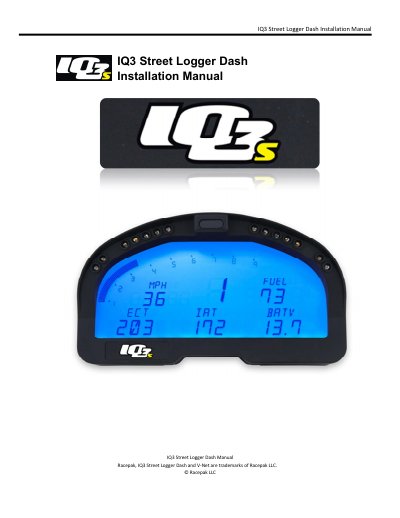
This manual provides instructions for installing and configuring the Racepak 1Q3 Street Logger Dash, a programmable LCD digital display dash. It covers hardware mounting, wiring pinouts, and the integration of optional V-Net sensors. The guide also details the setup of internal channels such as RPM, speed, and temperature, as well as external programming buttons and fan outputs.
| Total Sensor Channels | 8 |
|---|---|
| Available V-Net Data Channels | 6 |
| Processor Speed | 20MHz |
| Input Voltage | 9-18V |
| Current Draw | 350mA |
| Operating Temperature | 32 - 140°F / 0-60°C |
The channel will shut down for a period of time, then re-set and start displaying again.
The device accepts an input voltage between 9 and 18 volts.
There are 28 programmable items distributed across 4 pages.
The unit draws between 350mA and a higher amount when indicator and shift LEDs are not active.