
This manual describes how to install the Racepak 250-DS-IQ3 Display Dash
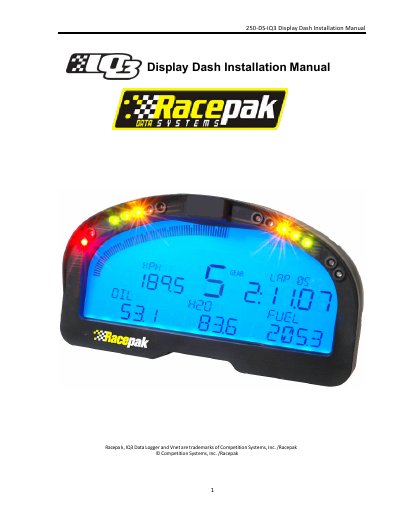
The document provides an introduction to the IQ3 Display Dash (part number 250-DS1Q3), noting that it is a standalone display unit compatible with Racepak VNET capable data loggers like the G2X, G2XPro, and V300SD. It lists included items such as the unit, wire harness, and VNET Tee Cable.
| Programmable items on display | 28 programmable items on 4 pages |
|---|---|
| Warning lights capacity | 4 programmable warning lights with on-screen text warning |
| Text display capability | 5 character programmable alpha/numeric text per display channel |
| Programming inputs | Two Programming Button inputs |
It can be used with any Racepak VNET capable data logger, such as the G2X, G2XPro and V300SD for use as a dash board display.
The formula is: Shift Light Interval x 4 minus Shift Point = Starting Point of Shift Lights.
In Drag Race Mode, the current gear is determined by detecting and counting the RPM drop at each gear change rather than using RPM/speed ratios.