
Quick start guide for the Racepak V300SD data recorder covering run recording, uploading to PC via SD card, real-time telemetry monitoring, and software setup.
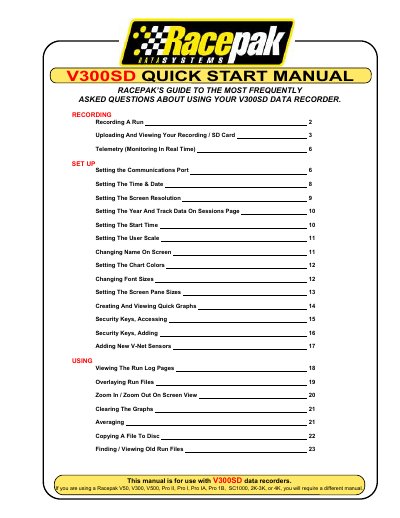
This manual provides instructions for operating the Racepak V300SD data recorder. It details how to record a run by managing power and the enable button, as well as procedures for ending a session safely to prevent data loss.
The guide also covers transferring recorded data from an SD memory card to a computer using the Racepak DataLink II program, including selecting configurations and saving session information. Additionally, it explains how to set up real-time telemetry monitoring on a PC screen.
The recorder may lose as much as the final three seconds of the recording period.
There will be a slight delay of approximately 3-4 seconds before the recorder starts logging data.
The Racepak DataLink II program is used to transfer the recorded data from the SD memory card to a computer.