
Philips IntelliVue MP2/X2 Patient Monitor Service Guide

This document is the IntelliVue MP2/X2 Patient Monitor Maintenance Guide, which introduces the monitor's operation principle, testing and maintenance methods.
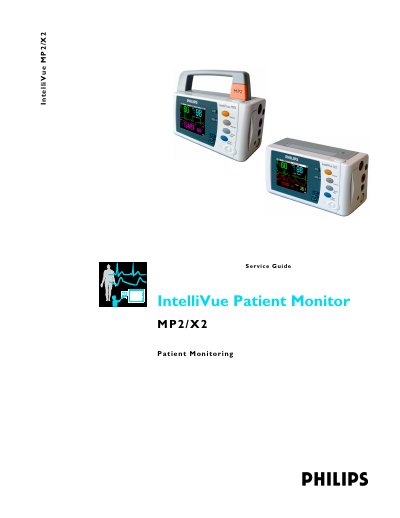

Philips IntelliVue MP2/X2 Patient Monitor Service Guide - cover page
Brand
Philips
Category
Other device
Document type
Service Manual
Language
English
Pages
258
File format
PDF
File size
7 MB
Published
17 October, 2023
Updated
17 October, 2023
Model
MP2
MD5 checksum
502E78395E0E86310824360407DAE951

About this manual

This Service Guide provides technical details for the IntelliVue MP2 and IntelliVue X2 patient monitors, offering a foundation for engineers to effectively troubleshoot and repair the systems. It covers system boundaries, hardware building blocks, and data flow to help technicians understand the monitor's architecture.

What's inside

  • Introduction
  • Theory of Operation
  • Testing and Maintenance
  • Full Performance Assurance Test
  • Troubleshooting
  • Repair and Disassembly
  • Parts
  • Installation Instructions
  • Site Preparation
  • Default Settings

Frequently asked questions

Who should use this guide?

This guide is for biomedical engineers or technicians responsible for installing, troubleshooting, repairing, and maintaining Philips' patient monitoring systems.

What is the password for Service Mode?

The password required to access Service Mode is 1345.

How often should the battery be conditioned?

You should condition a battery when its 'battery requires maintenance' symbol shows on the screen.

Download PDF (7 MB)

More Philips Manuals


View all Philips manuals →