
《CMT / DCS 500 User's Manual》 is a user manual of CMT / DCS 500, which introduces the function and features of this product.
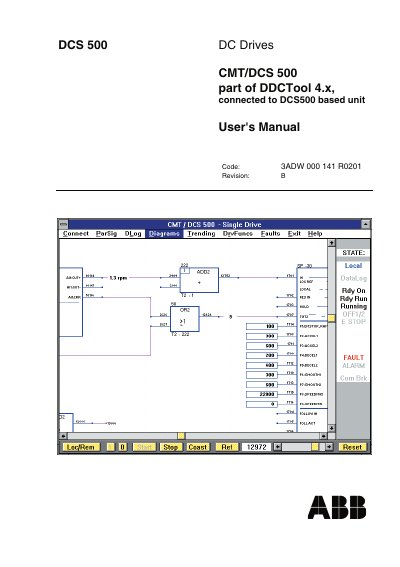
This manual guides users in operating the ABB DCS 500 DC Drive using the DDCTool 4.x software. It covers real-time monitoring, parameter setting, data logging, fault handling, and drive function control. The software runs on Windows NT and 2000, with instructions for installation and troubleshooting in appendices.
The interface includes multiple windows: Trending (real-time monitoring), ParSig (parameter/signal operations), Diagrams (function block diagrams), DLog (data logging), Faults (fault logging), and DrvFuncs (drive functions). Users can switch between windows via the menu bar. Communication with the drive is via an optical link, and operations can be performed locally or remotely.
The DDCTool 4.x software is required, which runs on Windows NT and 2000. Newer Windows versions are available upon request.
Select the parameter with the Object push button, click the rectangle to the right to open a value input box, enter the new value, and click OK.
The minimum update interval for channel values is 5 ms.