
This manual provides instructions for using the Transcend StoreJet 25 mobile, a high-speed USB 2.0 external hard drive, covering installation, connection…
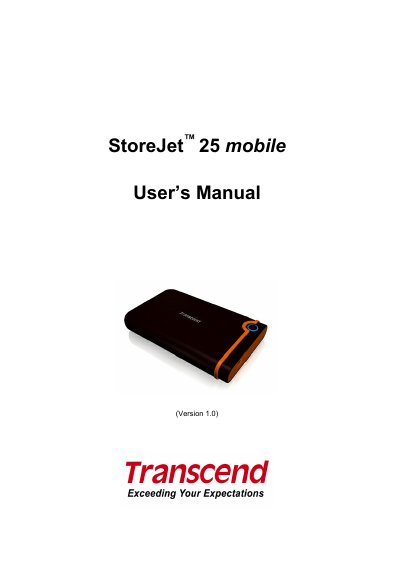
The Transcend StoreJet 25 mobile is a compact, high-speed USB 2.0 storage device designed for uploading, downloading, and transferring data between desktop and notebook computers. It features a durable anti-shock rubber outer case and includes a OneTouch Auto-Backup button for easy data management. The device is powered directly via the USB port and supports capacities of 160GB and 250GB.
| Transfer Speed | 480Mbits per second |
|---|---|
| Storage Media | 2.5-inch SATA Hard Disk Drive |
| Operating Temperature | 5℃ (41℉) to 55 ℃ (131℉) |
| Weight | 206g |
| Warranty | 2-years |
No, Windows 2000, XP, and Vista have built-in drivers to support the StoreJet 25.
Ensure the device is properly connected and check if the USB port provides enough power by connecting both large ends of the USB Y-cable to the computer.
Yes, but you must reformat the drive to FAT32 because the internal hard drive comes formatted for NTFS.