
CFR testo 190 software user manual
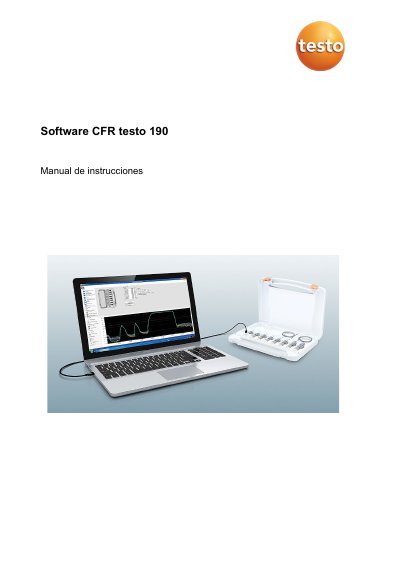
This manual guides users through installing and operating the testo CFR testo 190 software, which is designed to program, read, and analyze testo 190 data loggers. It supports compliance with FDA 21 CFR Part 11 for electronic records. The software requires Windows 7/8/8.1/10 and USB 2.0 or higher. It includes sections on user permissions, audit trails, data analysis, report generation, and calibration management.
The manual also covers configuring system settings, managing users and groups, setting up measurement templates, and creating compliant reports with electronic signatures. It provides step-by-step instructions for tasks such as assigning measurement points, exporting data to Excel, and defining acceptance criteria for sterilization and temperature distribution measurements. This manual is written in Spanish.
| Intended Use | Program, read, and analyze testo 190 data loggers |
|---|---|
| Compliance | FDA 21 CFR Part 11 for electronic records |
| Operating System | Windows 7 (except HOME Edition), Windows 8 Pro/Enterprise, Windows 8.1, Windows 10 (32 and 64-bit) |
| Hardware Requirement | USB 2.0 or higher, Internet Explorer 9 or higher |
It is used to program, read, and analyze testo 190 data loggers and supports FDA 21 CFR Part 11 compliance.
Windows 7 (except HOME Edition), Windows 8 Pro/Enterprise, Windows 8.1, and Windows 10 (32 and 64-bit).
Select all required content, click on 'Report' in the left menu, save to the predefined folder, and the report is created and opened automatically.