
Sony DSC-W30/W40/W50/W70 Digital Camera Operating Instructions

This is the user's guide/ troubleshooting guide for Sony digital camera DSC-W30/W40/W50/W70
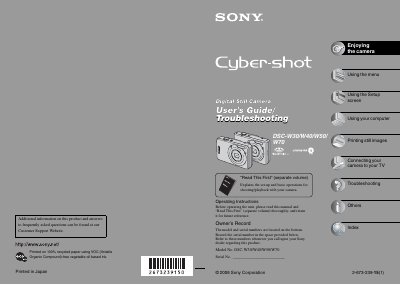

Sony DSC-W30/W40/W50/W70 Digital Camera Operating Instructions - cover page
Brand
SONY
Category
Digital cameras
Document type
User Manual
Language
English
Pages
107
File format
PDF
File size
3.5 MB
Published
17 October, 2023
Updated
17 October, 2023
Models
DSC-W30, W40, W50, W70
MD5 checksum
DE8F1CA7809057513457100A736A126F

About this manual

This manual serves as the primary operating guide for the Sony DSC-W30, W40, W50, and W70 digital cameras. It details the procedures for using the menu system, setting up the camera, and performing basic operations for shooting and playing back images. The document also provides instructions for connecting the camera to a computer and printing still images.

What's inside

  • Using the menu
  • Using the Setup screen
  • Using your computer
  • Printing still images
  • Connecting your camera to your TV
  • Troubleshooting
  • Others
  • Index

Frequently asked questions

What model numbers are covered in this manual?

The manual covers models DSC-W30, DSC-W40, DSC-W50, and DSC-W70.

Where are the model and serial numbers located?

The model and serial numbers are located on the bottom of the camera.

What should users do if the camera causes harmful interference?

Users are encouraged to try reorienting or relocating the receiving antenna, increasing separation between equipment and receiver, or using a different circuit.

What is the FCC compliance status of this device?

This device complies with Part 15 of the FCC Rules and is classified as a Class B digital device.

Download PDF (3.5 MB)

More SONY Manuals


View all SONY manuals →