
This is a user manual for OPPO phone, which introduces how to use the phone and its important functions
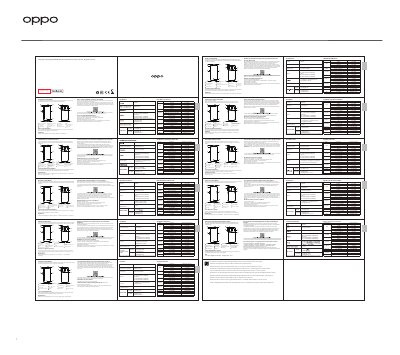
This manual provides instructions for using the OPPO phone, including how to reboot it and transfer data from an old device. It also lists included accessories and technical specifications such as camera, battery, and SAR values. The guide is available in multiple languages including French, Spanish, Dutch, and others.
| Camera | Quad rear camera: 50MP + 16MP + 13MP + 2MP; Front camera: 32MP |
|---|---|
| Screen Size | 6.55 inches (16.64 cm) |
| Battery | DC 7.74V 2200mAh/17.02Wh (Min) or 2250mAh/17.41Wh (Typ) |
| SAR Values | Head: 1.134W/kg, Body: 0.514W/kg, Hotspot: 0.984W/kg |
| Dimensions | 160.8 × 72.5 × 7.99 mm |
Press and hold the Power Button and Volume Up Button until the OPPO boot animation appears.
Use OPPO Clone Phone app to transfer photos, videos, music, contacts, messages, and apps.
1 Phone, 1 Charger, 1 USB data cable, 1 Safety Guide, 1 Quick Guide, 1 SIM Ejector Tool, 1 Protective Case.