
This User Guide describes general analog Single-Line Telephone (SLT) procedures, such as placing calls, answering calls, holding calls, and redialing numbers.
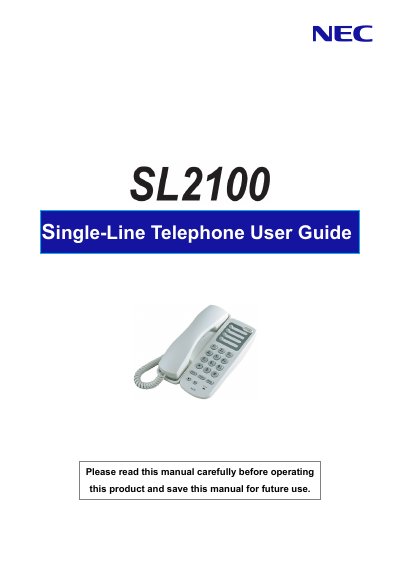
This user guide explains how to operate the NEC AT-45 single-line telephone, including placing and answering calls, setting up call forwarding, message waiting, and using the built-in automated attendant. It also covers features like Do Not Disturb, conference calling, and voice mail functionality. The guide assumes familiarity with basic telephone operations and provides step-by-step instructions for common tasks.
Press the REDIAL Key to automatically redial the last number you dialed.
The flashing red indicator means you have Message Waiting or there is an incoming call.
Log-on to the In-Mail System setting is necessary to use In-Mail (Voice Mail) feature. Ask your NEC Authorized Supplier for the details.