
OPPO BDP-95 Blu-ray Disc Player User Manual

This manual provides detailed information on the basic operation of the BDP-95 player, including connecting to a display, connecting to an audio system, and connecting to the Internet.
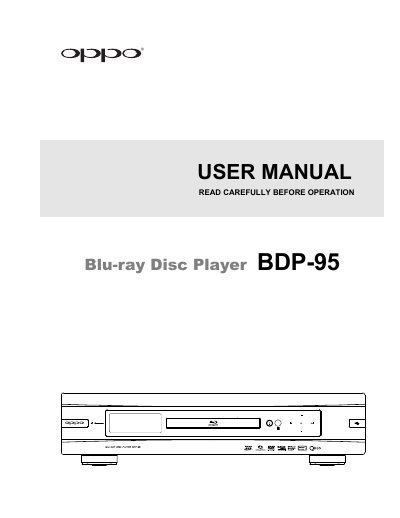

OPPO BDP-95 Blu-ray Disc Player User Manual - cover page
Brand
OPPO
Category
Other Electronics
Document type
User Manual
Language
English
Pages
91
File format
PDF
File size
3.7 MB
Published
17 October, 2023
Updated
17 October, 2023
Model
BDP-95
MD5 checksum
0C188E34A5CA6C12C2FDDE701B15BEDE

About this manual

This manual provides comprehensive instructions for the OPPO BDP-95 Blu-ray Disc Player. It covers essential safety information, installation steps including connecting to displays and audio systems, and the use of the remote control. The guide details how to set up the device using the Easy Setup Wizard and configure various playback settings.

What's inside

  • Important Safety Instructions
  • Front Panel Controls
  • Remote Control
  • Connecting to a Display
  • Connecting to an Audio System
  • Disc Playback
  • Blu-ray Disc Menu Playback
  • Media File Playback
  • Video Setup
  • Troubleshooting

Specifications

Power InputAC ~ 100V-240V, 50/60Hz
Product TypeBlu-ray Disc Player

Frequently asked questions

What is the acceptable power input range for the player?

The player accepts AC power ranging from 100V to 240V at 50/60Hz.

How should I handle moisture condensation inside the player?

If moisture condenses on the laser pickup unit, turn the unit on for 1-2 hours without a disc to facilitate evaporation.

Download PDF (3.7 MB)

More OPPO Manuals


View all OPPO manuals →