
This is a basic user guide for NEC iSIP G566 and i766 DECT handsets. It introduces how to use the function keys of these handsets, as well as how to answer calls, initiate internal calls, make external calls, dial the last number dialed, hold/inquire call, transfer call, use DSS key (direct station selection), use speed dial, use station speed dial, use call pickup, use call forwarding, use follow me, use DND (do not disturb), use callback/camp on, use conference, and use voicemail (InMail).
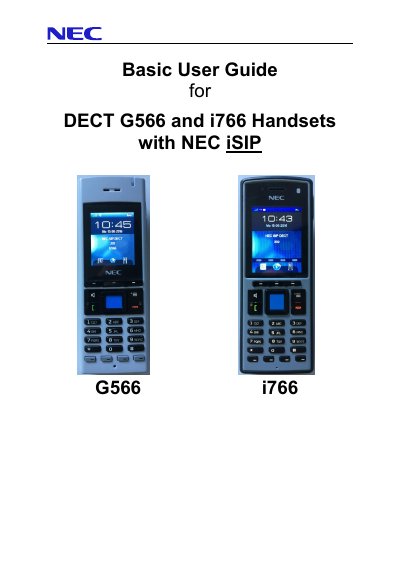
This manual provides step-by-step instructions for using the NEC iSIP DECT system with G566 and i766 handsets. It covers basic operations such as answering calls, making internal and external calls, holding and transferring calls, speed dialing, and using DSS keys. The guide also explains advanced features like call forwarding, voicemail, and function keys with specific service codes. It includes important notes on system configuration and limitations, such as the need to program the first line key as a 'Park-Orbit' key for call retrieval.
The first line key is recommended to be programmed as a 'Park-Orbit' key (Code *04 plus unique Park orbit number) to retrieve transferred calls when the target does not answer.
You can use the common trunk access code (9), a specific line code (805 + Line port number), a line group code (804 + Line group number), a pre-programmed line key (2, 3 or 4), or automatic trunk access by pressing the green button if configured.
Press the green button, then press the DSS Function-Key. The call will connect to the extension. If the LED is off, the extension is idle; if steady on, it is busy; if blinking, it has features like Call Forward or DND.