
Pace TDC777D Installation Guide

This document is the user manual of Pace TDC777D, which introduces the usage and connection methods of the device.
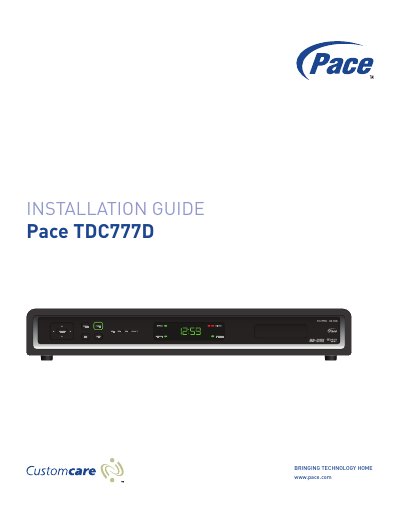

Pace TDC777D Installation Guide - cover page
Brand
PACE
Document type
Installation Guide
Language
English
Pages
37
File format
PDF
File size
3.9 MB
Published
17 October, 2023
Updated
17 October, 2023
MD5 checksum
9015374FB5D38EE7D3B800591AC82764

About this manual

This guide provides step-by-step instructions for installing and operating the Pace TDC777D set-top box. It includes safety precautions, setup options for various TV and home theater configurations, and instructions for connecting equipment and managing user settings. The guide also covers troubleshooting and warranty information.

What's inside

  • Safety Information
  • Overview
  • Rear Panel
  • Connecting the Equipment
  • Operating the Set-Top
  • Making User Settings
  • Using the Setup Menus
  • Displaying Diagnostic Screens
  • Solving Problems

Frequently asked questions

What is the operating temperature range for the Pace TDC777D?

The operating temperature range is 32-104°F.

What should you do if you move the set-top between locations with different temperatures?

Allow it to reach room temperature before applying power.

What is required to avoid fire or electric shock when moving the set-top?

Stop any recording, turn off the set-top, wait 60 seconds, then disconnect it.

What should you not do when installing the set-top to avoid invalidating the warranty?

Do not remove the cover or perform any servicing unless qualified.

Download PDF (3.9 MB)

More PACE Manuals


View all PACE manuals →