
Garmin iQue 3600 Setup Guide

This is a setup guide for iQue 3600, including charging, setting up, installing Palm™ Desktop, HotSync, loading maps to PC, unlocking maps, registering iQue and loading maps to iQue etc.
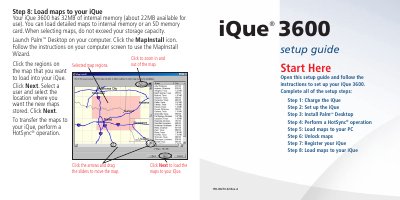

Garmin iQue 3600 Setup Guide - cover page
Brand
Garmin
Category
GPS
Document type
User Manual
Language
English
Pages
4
File format
PDF
File size
152 KB
Published
17 October, 2023
Updated
17 October, 2023
MD5 checksum
6512C3B4CEB0FAE9CB3C60BE5292110F

About this manual

This guide walks you through charging, setting up, installing software, and loading maps for your iQue 3600. It includes steps for HotSync operations, map installation, and device registration. The device has 32MB of internal memory, with about 22MB available for use.

What's inside

  • Charge the iQue
  • Set up the iQue
  • Install Palm™ Desktop
  • Perform a HotSync® operation
  • Install maps to your PC
  • Unlock maps
  • Register your iQue
  • Load maps to your iQue

Specifications

Internal Memory32MB (about 22MB available for use)

Frequently asked questions

How long should I charge my iQue 3600?

Charge the iQue for three full hours before using it.

What is required to register my iQue 3600?

You need to be connected to the Internet and enter your registration code.

Download PDF (152 KB)

More Garmin Manuals


View all Garmin manuals →