
This document is about the operating instructions for iQue 3000 integrated handheld device
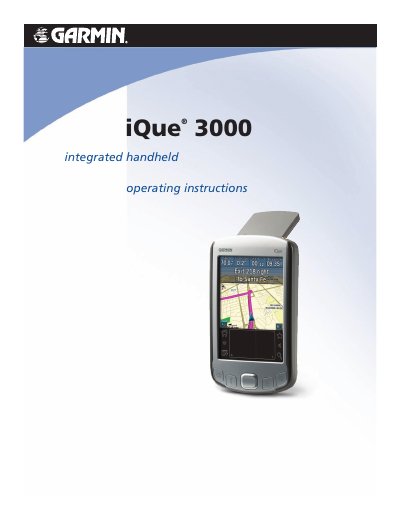
This manual provides step-by-step guidance for using the Garmin iQue 3000 handheld, including how to start the device, use its applications like Date Book and Address Book, and synchronize data with Palm Desktop software. It also covers hardware components, battery care, and troubleshooting tips for common tasks.
The guide includes chapters on entering data using Graffiti 2 handwriting, managing applications, performing HotSync operations, and setting up network preferences. Safety warnings for lithium-ion battery handling are included, along with system requirements for compatible computers.
| Battery Type | Lithium-ion |
|---|---|
| Operating Temperature | 0°C to 50°C (32°F to 122°F) |
| System Requirements | IBM-compatible 486 computer or higher, 8MB RAM minimum, 20MB hard disk space, Windows 98/2000/ME/XP |
The iQue 3000 contains a non-user-replaceable lithium-ion battery.
Do not store or use the unit in temperatures above 50°C (122°F) or below 0°C (32°F).
IBM-compatible 486 computer or higher, 8MB RAM minimum, 20MB hard disk space, Windows 98/2000/ME/XP.