
The file is iQue M5 Quick Reference Guide, which introduces how to search for addresses, restaurants, hotels and other POIs on iQue M5, and generate navigation routes.
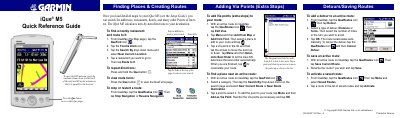
This document serves as a quick reference guide for the Garmin iQue M5 GPS device. It provides instructions on how to find places, create routes, and manage navigation tasks such as adding via points and detours. The guide explains how to use the QueMap interface to search for addresses, restaurants, and hotels, and how to calculate turn-by-turn directions. This manual is written in Chinese.
Press and hold the Que button to repeat the directions.
It calculates turn-by-turn directions to destinations.
Tap Set Home Location from the QueRoutes icon, then choose Set from Find or Set from Map.
Tap Edit Vias from QueRoutes, then Add from Map or Add from Find to select a point.