
This document is the operating manual for Garmin iQue 3000
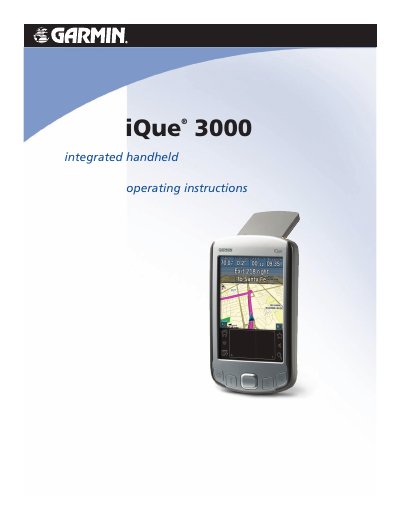
This manual guides users through operating the Garmin iQue 3000 handheld, including system requirements, screen calibration, application use, and data management. It also covers HotSync operations for syncing with Palm Desktop software and managing security settings. The device features a touch-sensitive screen, stylus input, and expandable memory via microSD cards.
| System Requirements | IBM-compatible 486 computer or higher, 8 MB RAM (minimum), 20 MB hard disk space, Microsoft Windows 98/2000/ME/XP, VGA monitor, DVD-ROM drive, mouse or pointing device, USB port |
|---|---|
| Battery Type | Non-user-replaceable lithium-ion battery |
| Operating Temperature | 0°C to 50°C (32°F to 122°F) |
The computer must be an IBM-compatible 486 or higher, with 8 MB RAM (minimum), 20 MB hard disk space, and Microsoft Windows 98/2000/ME/XP.
The iQue 3000 is not fully compatible with Macintosh computers at this time.
It contains a non-user-replaceable lithium-ion battery.