
Edimax BR-6475nD Wireless Dual-Band Gigabit iQ Router User Manual

This document is about Edimax wireless router user manual
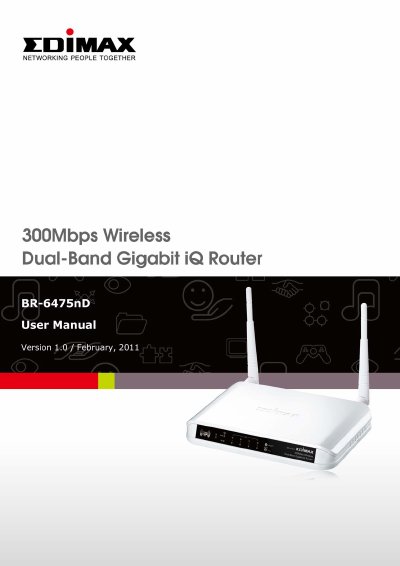

Edimax BR-6475nD Wireless Dual-Band Gigabit iQ Router User Manual - cover page
Brand
Edimax
Category
Router
Document type
User Manual
Language
English
Pages
150
File format
PDF
File size
2 MB
Published
17 October, 2023
Updated
17 October, 2023
MD5 checksum
1BB6230DDADA4E57EF9EE1C98FFFFF5E

About this manual

This manual provides instructions for the Edimax BR-6475nD Wireless Dual-Band Gigabit iQ Router. It covers product information, system requirements, and package contents, including the router, antennas, and power adapter. The device features simultaneous dual-band connectivity (2.4GHz and 5GHz) and supports 802.11a/b/g/n standards.

What's inside

  • Introduction and Safety Information
  • System Requirements
  • Establishing a network connection
  • Using Quick Setup
  • Wireless Settings (2.4GHz and 5GHz)
  • Security Settings (WEP, WPA, WPS)
  • Advanced Settings (QoS, Port Forwarding)
  • Firmware Upgrade
  • Status and Logs

Specifications

Wireless Standards802.11a/b/g/n
Wireless Bands2.4GHz & 5GHz
LAN Ports4 Gigabit
WAN Port1 Gigabit
Power Input100-240V, 50/60Hz

Frequently asked questions

How do I reset the router to factory default settings?

Press the WPS/Reset button and hold it for 20 seconds.

What is the recommended connection method for firmware upgrades?

It is recommended to use a wired Ethernet connection.

Can I change the display language of the router interface?

Yes, you can change the language using the dropdown menu in the user interface.

Download PDF (2 MB)

More Edimax Manuals


View all Edimax manuals →