
This manual details how to install a wireless LAN USB adapter
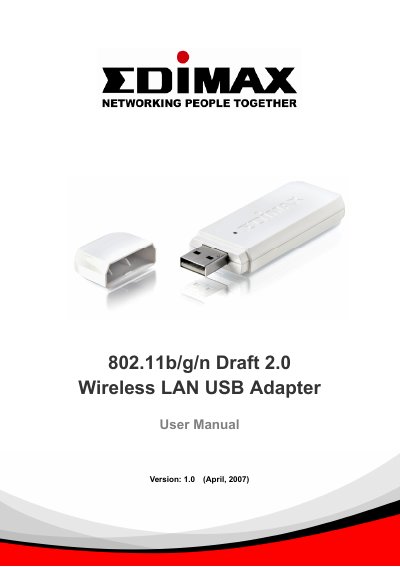
This manual provides step-by-step instructions for installing and configuring the Edimax 802.11b/g/n Wireless LAN USB Adapter. It covers driver installation, connecting to wireless access points, managing connection profiles, and advanced settings including QoS and WPS. Safety precautions and system requirements are also detailed.
The adapter supports 802.11b, 802.11g, and 802.11 Draft-N standards with up to 300Mbps speed and MIMO technology for improved coverage. It includes features like WEP, WPA, and WPA2 encryption, USB 2.0 interface, and wireless access control. Troubleshooting and hardware specifications are included in the appendix.
| Standards | 802.11b, 802.11g, 802.11 Draft 2.0-N |
|---|---|
| Data Transfer Rate | 300Mbps |
| Interface | USB 2.0 |
| Encryption | WEP, WPA, WPA2 |
WEP is Wired Equivalent Privacy, a data privacy mechanism based on a 40 bit shared key algorithm, as described in the IEEE 802.11 standard.
TKIP is a quick-fix method to quickly overcome the inherent weaknesses in WEP security, especially the reuse of encryption keys.
AES (Advanced Encryption Standard), a chip-based security, has been developed to ensure the highest degree of security and authenticity for digital information.
Wireless products perform the same function as LAN products. Therefore, Wireless products can work with Netware, Windows 2000, or other LAN operating systems to support printer or file sharing.