
This is a Edimax product user guide
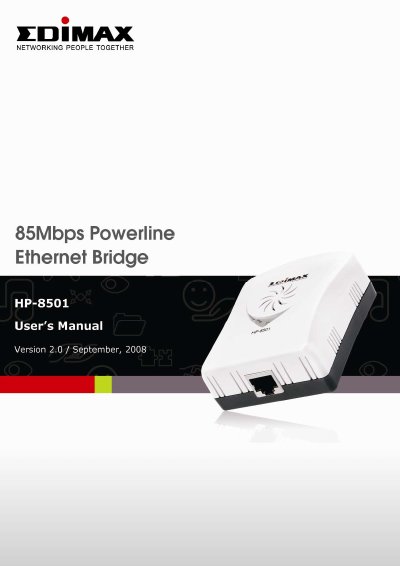
Congratulations on purchasing the Edimax HP-8501 Powerline Ethernet Bridge. This product complies with the HomePlug V1.0 Turbo mode standard, providing up to 85Mbps data transfer rates. It enables you to create a network easily and cost-effectively by using the home's existing power circuit, eliminating the need for new wiring. The device is fully compliant with IEEE 802.3 and IEEE 802.3u standards and features 56-bits DES link encryption for security.
The guide details the installation steps and explains how to use the Windows Configuration Utility. This utility allows users to find Powerline Ethernet devices, measure data rate performance, ensure privacy by setting passwords, and perform diagnostics. It supports Windows Vista 32/64 editions and helps manage local and remote devices on the network.
| Data Transfer Rate | up to 85Mbps |
|---|---|
| Standard Compliance | HomePlug V1.0 Turbo mode |
| Encryption | 56-bits DES |
| Range | 200 meters |
| Operating System Support | Windows Vista 32/64 |
The product provides up to 85Mbps data transfer rate.
No, you do not need new wires; you can use the home's existing power circuit.
Yes, it is compatible with HomePlug V1.0 products.