
This file is about Edimax Technology Co., Ltd. copyright notice.
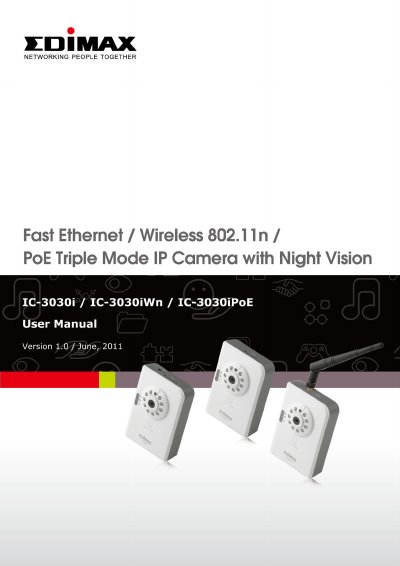
This document serves as a Quick Installation Guide (QIG) for Edimax Internet IP Cameras. It provides instructions on familiarizing users with the device, including package contents, key components, and LED indicators. The guide details the installation process for both wired and wireless models, including locating the IP address and configuring network settings.
| Video Resolutions | MJPEG/H.264 SXGA(1280 x 1024), VGA (640 x 480), QVGA (320 x 240); MPEG4 XGA (1024 x 768), VGA (640 x 480), QVGA (320 x 240) |
|---|---|
| Network Support | Wired (10/100 Ethernet) and Wireless (802.11b/g/n) |
| Power Requirement | 12V DC |
| Encryption | WEP & WPA |
| Max Cameras Supported | 16 |
You need a computer with Windows 7, Vista, or XP, a dual-core processor or above with at least 2GB RAM, and Internet Explorer 6.0 or above.
Press and hold the Reset to Default button for more than 10 seconds.
Yes, the guide includes instructions on using a cellphone as an image viewer.