
This file is Edimax wireless router quick installation guide
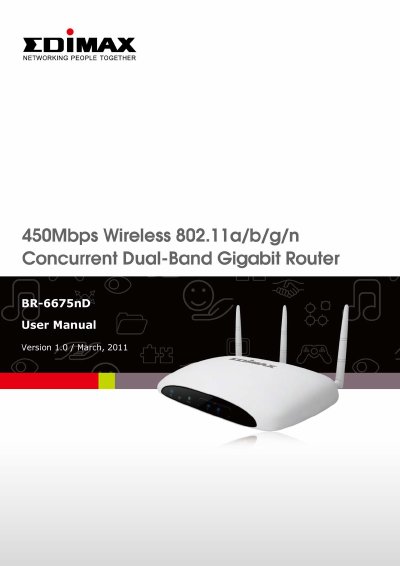
This guide helps you install and configure the Edimax BR-6675nD wireless router quickly. It covers connecting the router to your modem and computer, setting up network connections (Dynamic IP, Static IP, PPPoE, PPTP, L2TP, WISP), configuring wireless settings for 2.4GHz and 5GHz bands, and securing your network with WEP, WPA, MAC filtering, and WPS. It also includes advanced features like QoS, DDNS, port forwarding, DMZ, NAT, firewall, parental controls, and firmware upgrades.
| Wireless Speed | up to 450Mbps |
|---|---|
| Wireless Standards | 802.11a/b/g/n |
| LAN Ports | 4 gigabit |
| WAN Port | 1 gigabit |
| Wireless Bands | 2.4GHz and 5GHz |
Connect your xDSL or cable modem to the router’s WAN port with an Ethernet cable. Connect your computer to one of the router’s LAN ports with an Ethernet cable. Plug in the power adapter.
Download the firmware file from the Edimax website, click 'Browse...' to select it, then click 'Apply'. The router will restart after upload. All settings will be lost.
iQoS is Edimax’s bandwidth management system that allows you to prioritize network traffic for faster performance.